One page, four stops
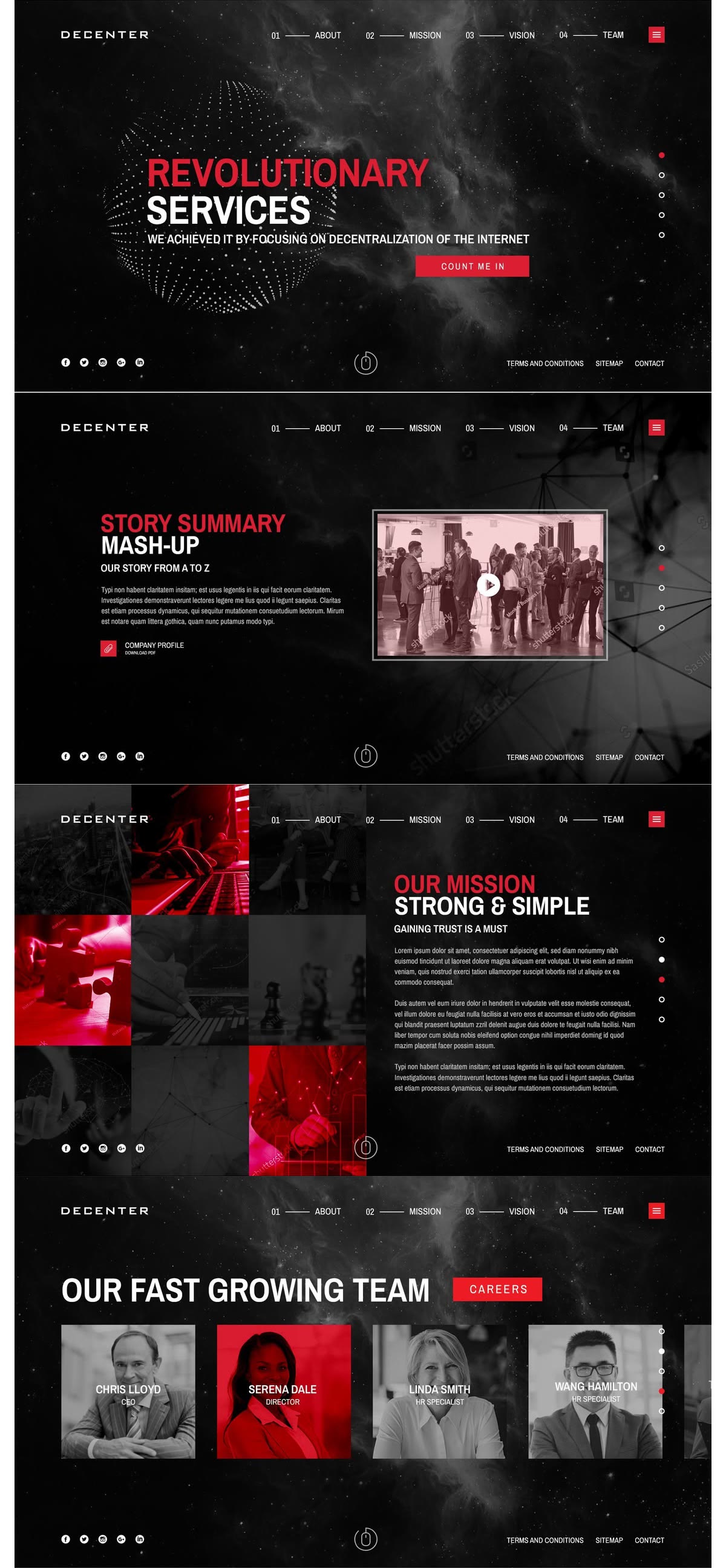
- One — the hero spends everything on a single promise.
- Two — then it explains itself, once.
- Three — then it says what it stands for.
- Four — then it shows you who is behind it.
CSS Animations · Scroll
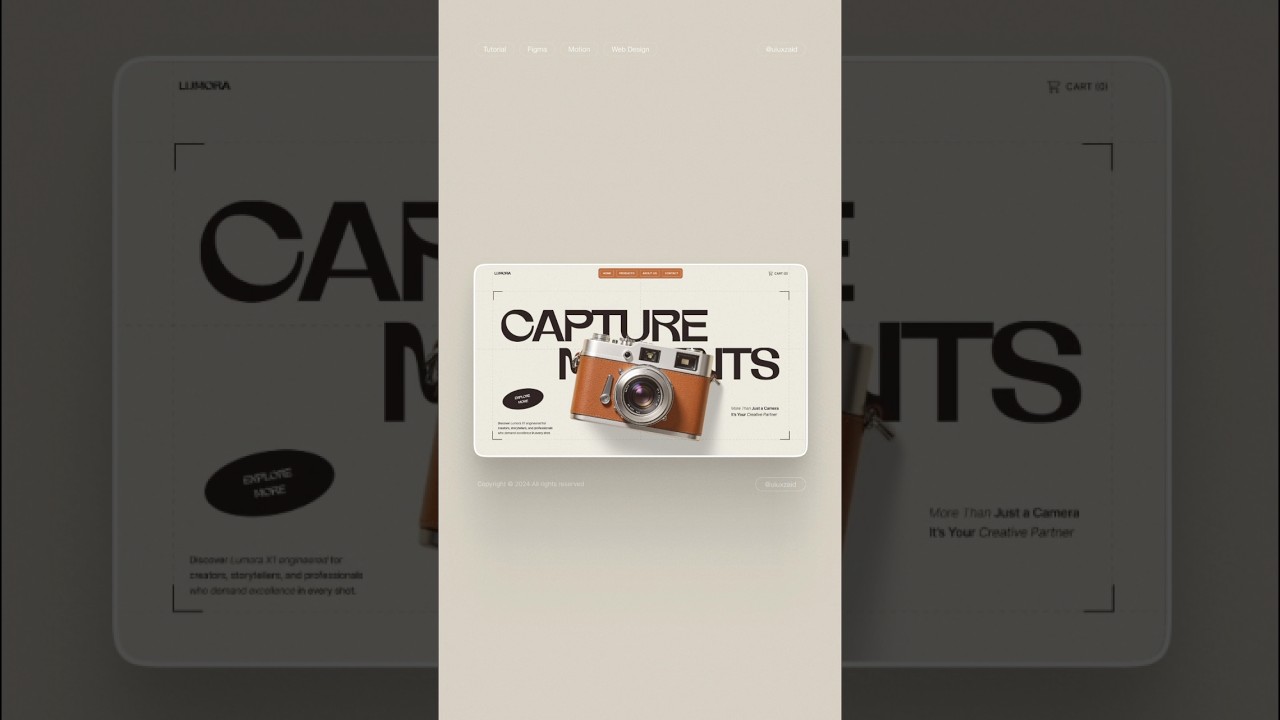
data-kui="flip-card trigger:hover-toggle"
Reference
Four decisions are doing the work. Give the frame a column of its own and it stays pinned while they scroll past it.
reveal-direction-aware has to know which way the page is travelling, and no CSS timeline exposes that.reveal-repeat was dropped — byte-identical to reveal-once once the binder stopped re-observing after first entry. It is gone from the catalog, not pending.Same effects, different elements

Entrances on a view timeline

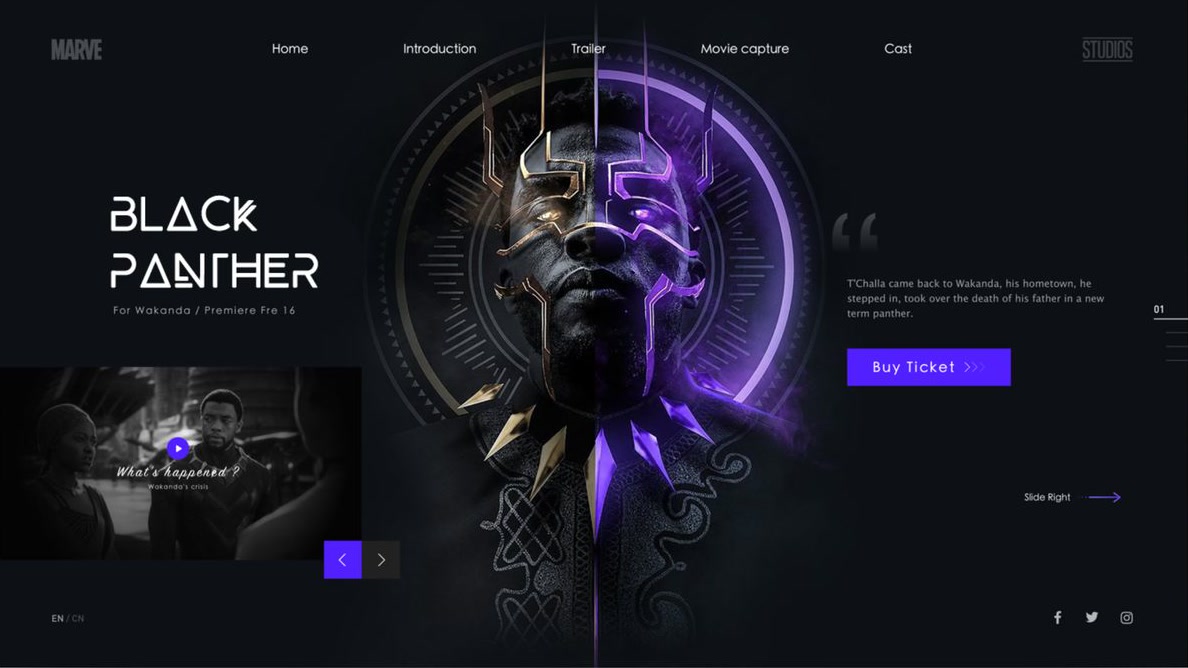

Reveal, fade & skew
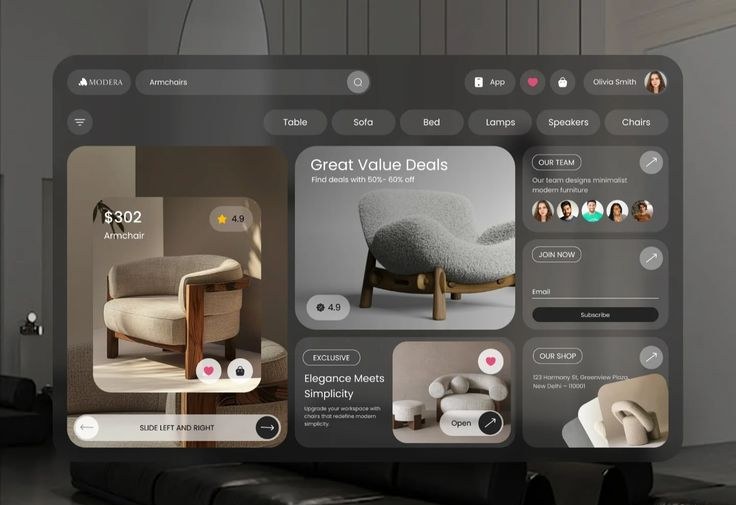
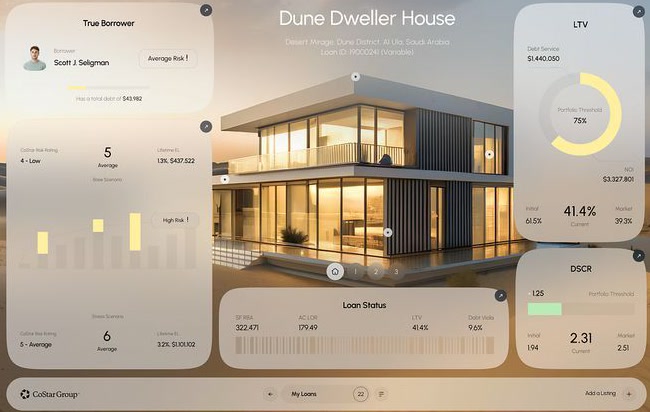
Parallax

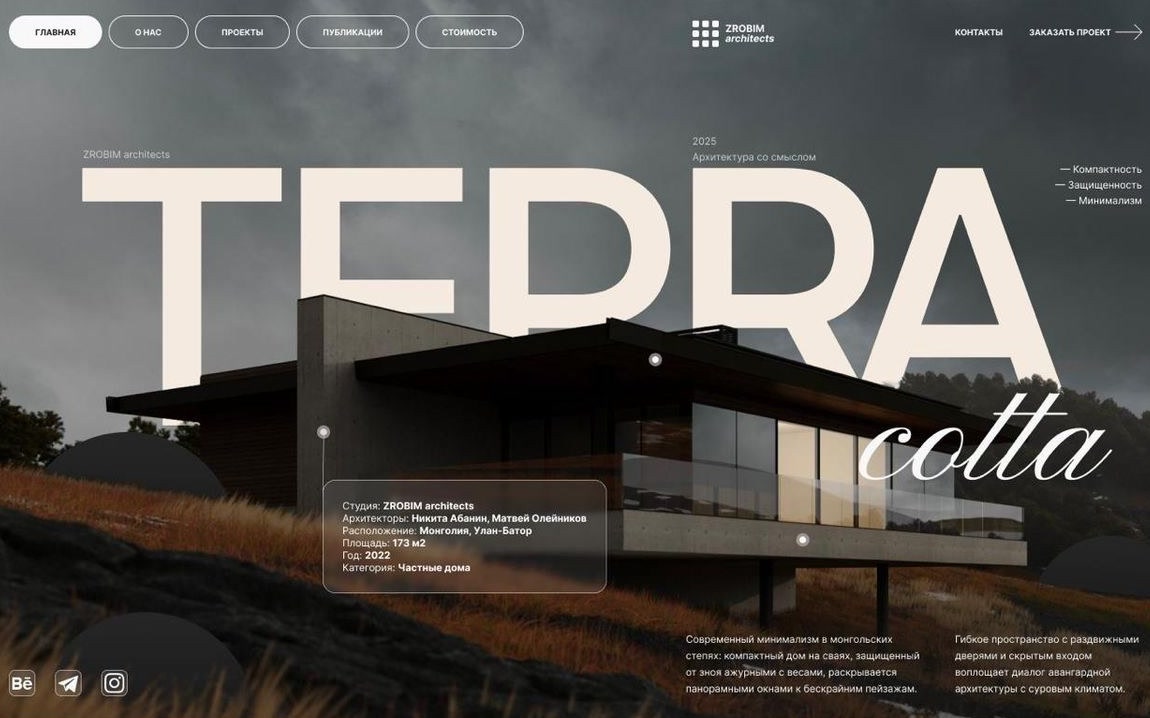


parallax-rotate, pinned — half a turn unwound across a 200vh hold.

Catalog section C — 11 named effects, all real primitives through the shared JS orchestrator.
Pinning
pin-section holds an element still while the page keeps moving under it.data-kui="pin-section distance:200vh"

pin-section, pin-until, pin-spacer, stacking-cardsscroll-spy highlights the active section in the navscroll-snap-x/-y, set once, no scroll listenerpin-until is the sticky-sidebar pattern — no spacer inserted.

pin-spacer is the same primitive as pin-section, named for what it does.<div data-kui-spacer> — an actual node in the DOM, not a drawing of one.data-kui="pin-spacer distance:120vh"
stacking-cards is the pin primitive applied once per card.offset, so the deck builds itself as you scroll.



Scrollytelling
scrollytelling-step writes data-kui-step onto the section as you pass through it.data-kui="scrollytelling-step distance:200vh steps:4 target:'.story-lines > li, .story-dots > span'"
One page, four stops
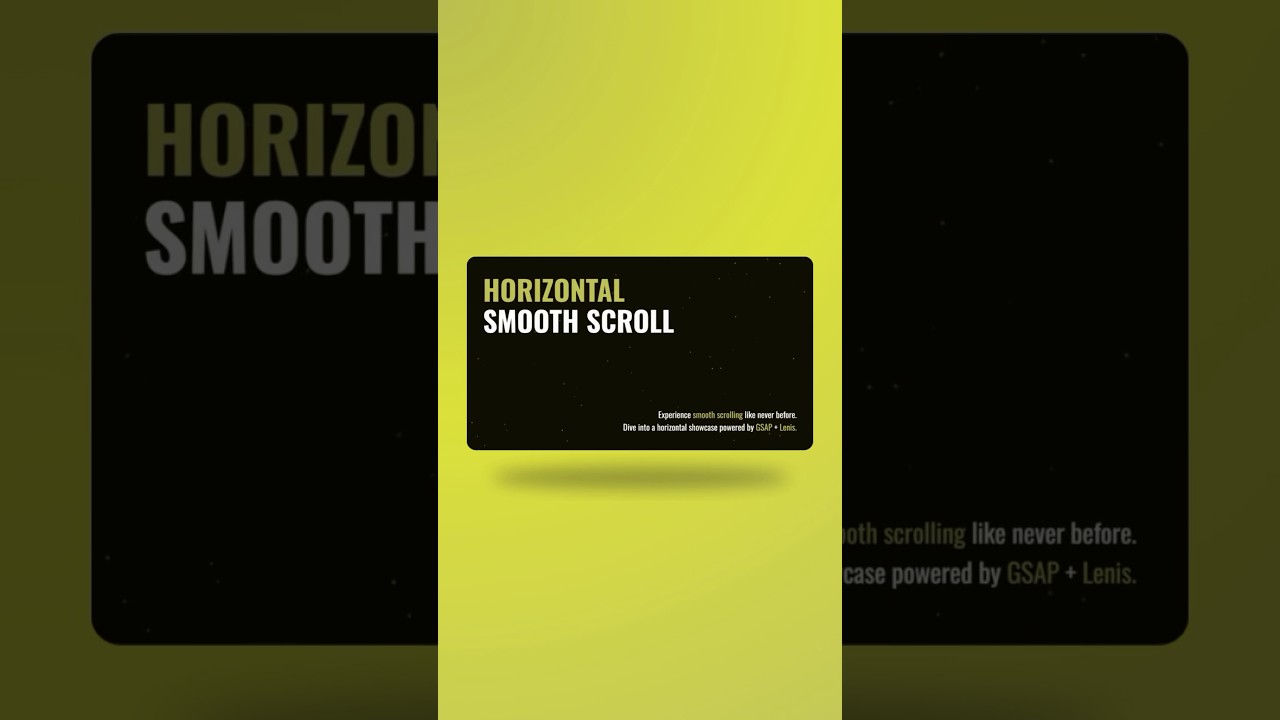
Horizontal travel
data-kui="horizontal-scroll distance:300vh target:.track"


Media scrub
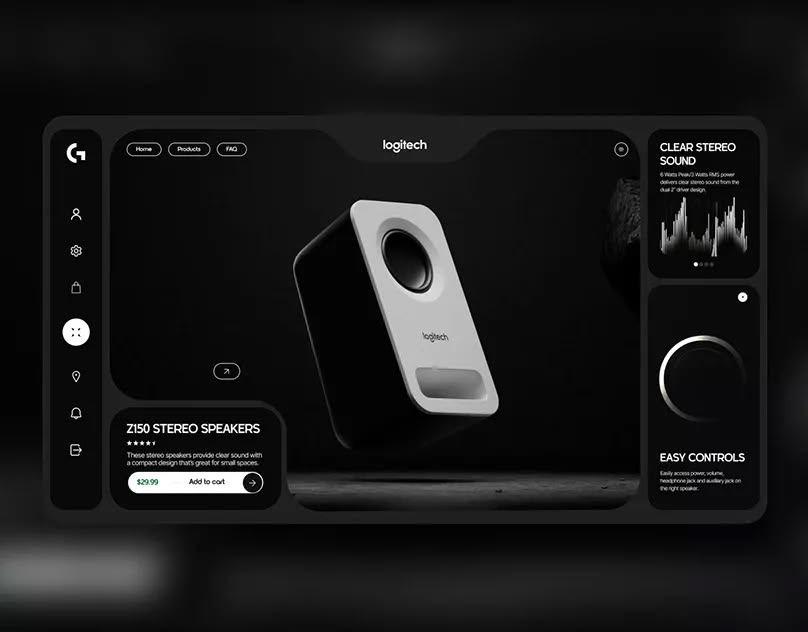
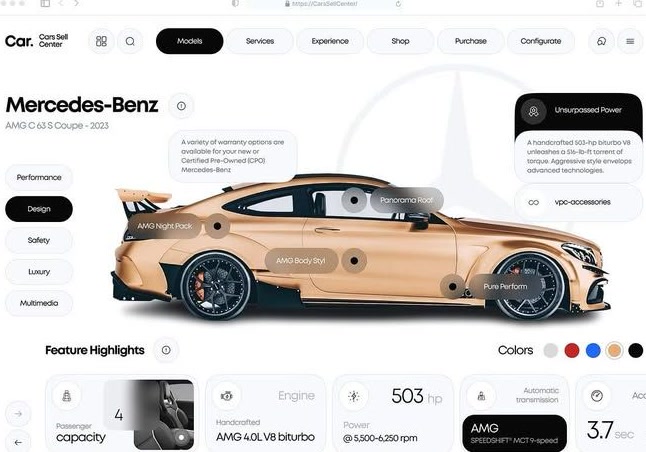
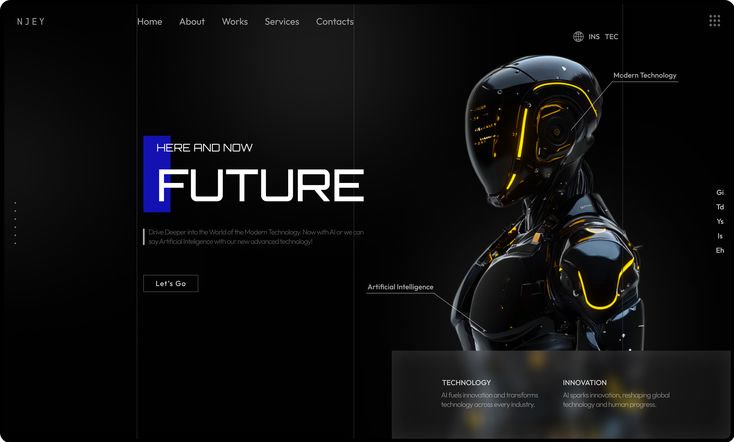
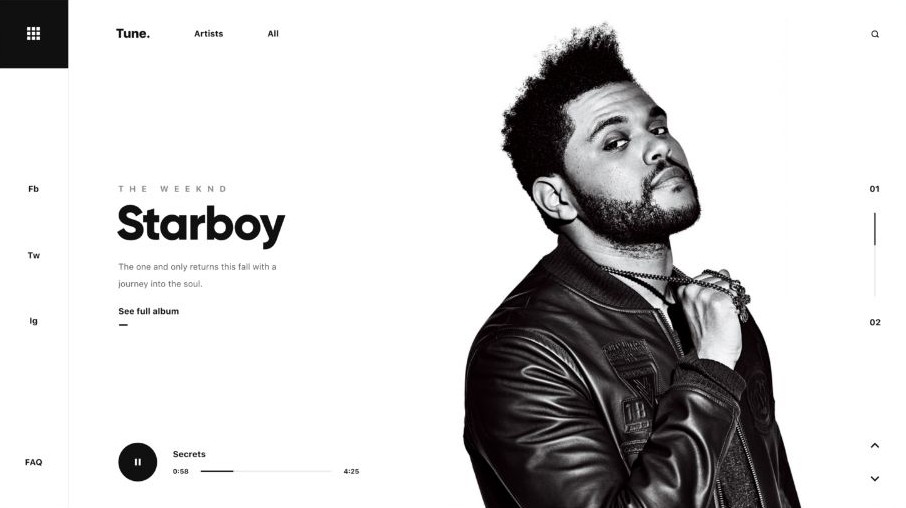
target: points at four <img> tags that are already on the page, and the scrub reveals one per quarter of the range — so every frame is loaded before you reach it.data-kui="sequence-scrub target:'.scrub-viewport img' distance:220vh offset-top:calc(var(--kui-pin-offset, 0px) + 2vh)"


Navigation
scroll-spy marks the section you are currently looking at.target you point it at as data-kui-active="true" — here, the matching nav link, styled with a plain a[data-kui-active='true'] rule.data-kui="scroll-spy sections:'.spy-section' target:'.spy-nav a'"
Product
Product
Product
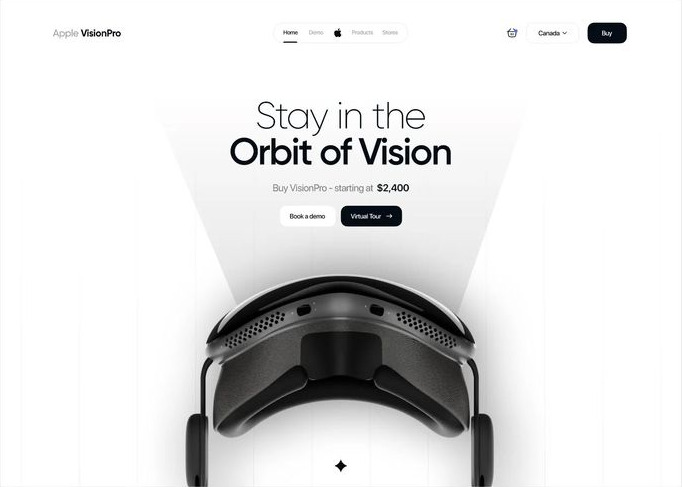
Product
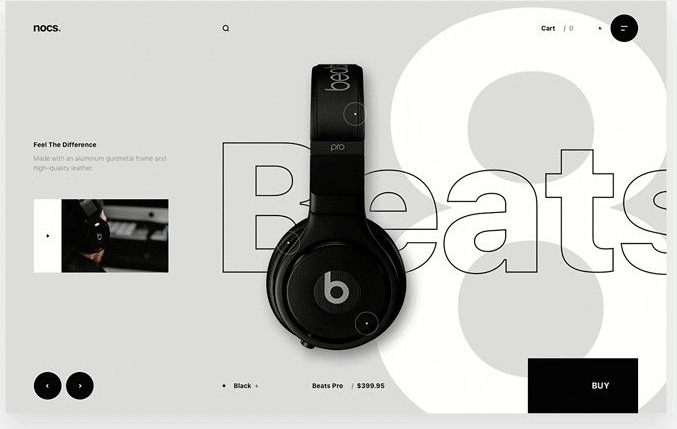
Product
Native CSS passthroughs
scroll-snap-type and -align. Nothing runs while you scroll.horizontal-scroll is not a scroll container — it is a pinned strip that JS translates from the page's vertical position, so you cannot grab it. These are real containers: scroll or drag one directly and it lets go on a card.data-kui="scroll-snap-x target:figure"
data-kui="scroll-snap-y target:figure"